Records

Your private timeline for everything worth remembering.

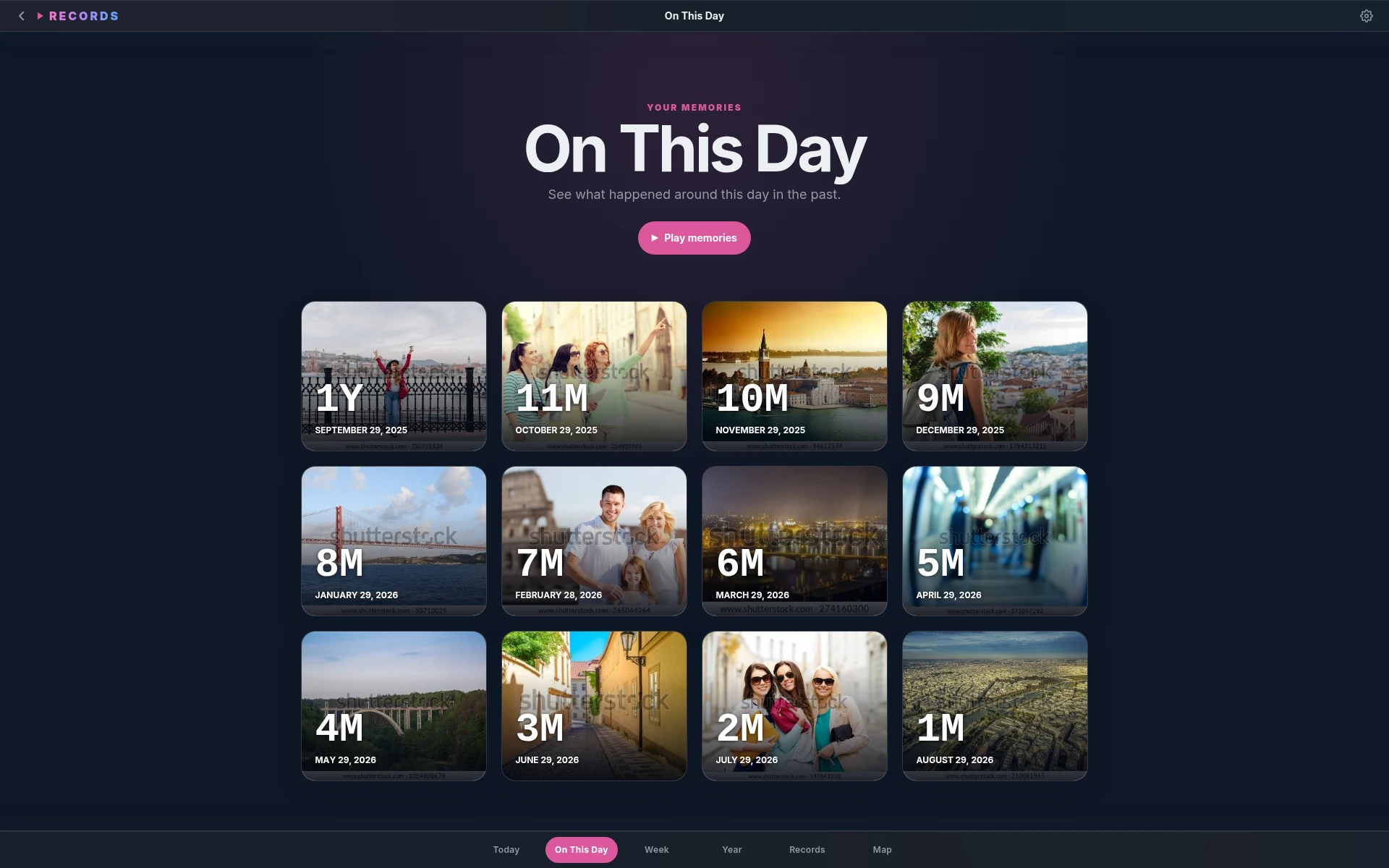
Records keeps notes, photos, videos, audio, places, calendar context, and on-this-day memories together so your day feels whole again.

Free local app · optional encrypted sync · Linux, Windows, and macOS.

MondayTodayPrivate, local-first
09:48Slow start, productive afternoon.Journal note · calendar context
13:20Photo walk by the river12 photos · mapped automatically
18:05Voice note saved with the dayAudio · transcript ready

You do not remember a day as separate apps. You remember the walk, the photo, the voice note, the place, and the paragraph you wrote later. One flow. One day.

Records is built around that day. It keeps the pieces together, then gives you calm ways to browse them later without reconstructing your life by hand.

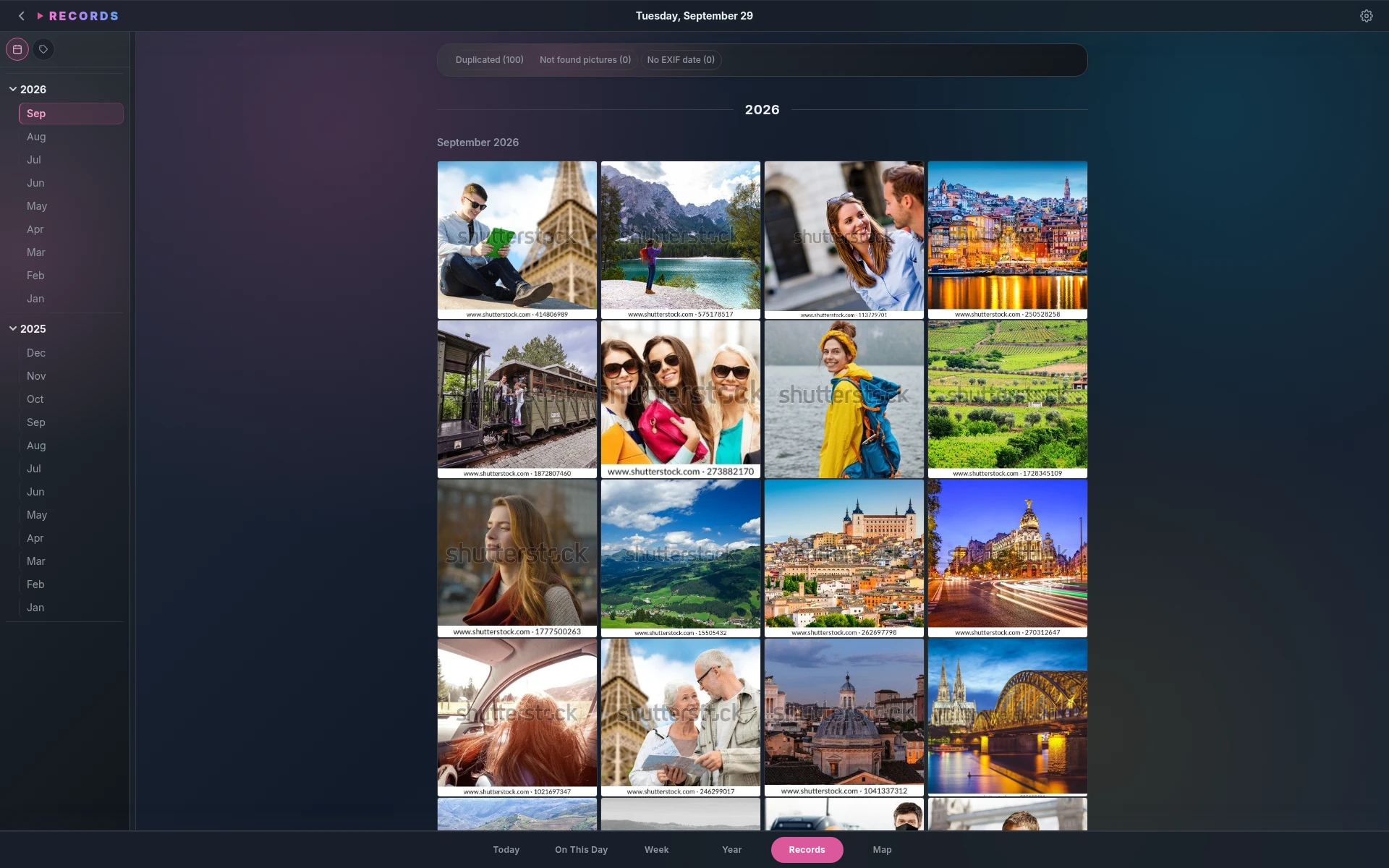
Records puts your memory back on one timeline. A note, a photo, a video, a recording, a calendar event, or a pinned place appears where it belongs in the day.

The result feels like a private scrapbook: searchable, map-aware, and made for years of ordinary days.

Zdenek, [email protected]

maker of Records

Built for remembering

Sticky notes, Instax photos, and private memories.

Records makes journal entries feel like sticky notes and photos feel like Instax prints. Text, media, places, weather, and calendar context become pieces of the same day, easy to browse without splitting your life across apps.

01

Sticky note writing

Thoughts sit on the day like little paper notes, quick to add and easy to revisit.

02

Instax photo cards

Photos appear as tangible frames, giving each memory a scrapbook feel.

03

Remember places

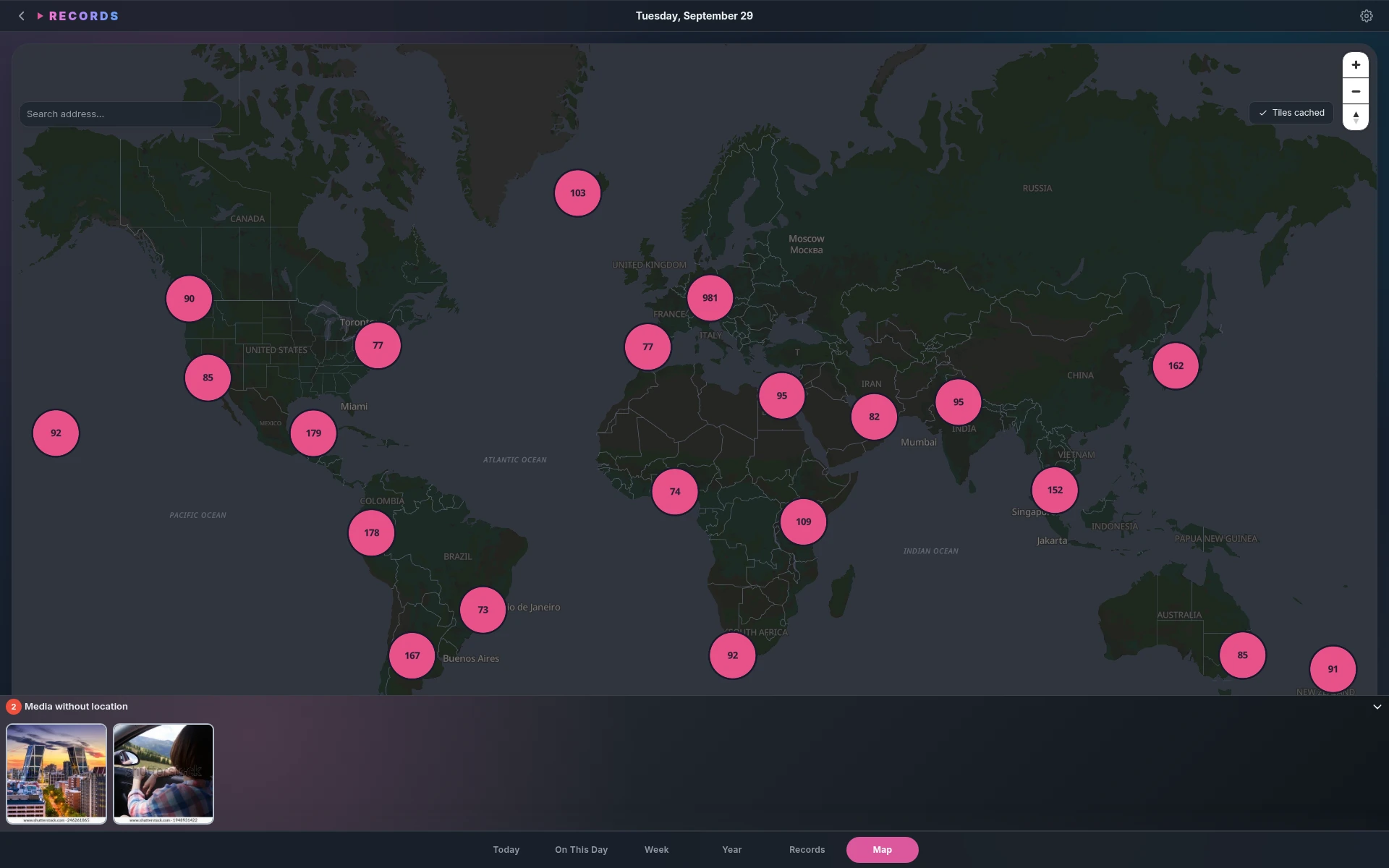
Map view, GPS editing, and offline tiles turn your history into a private atlas.

04

Blur sensitive photos

NSFW photos can stay in the timeline while remaining blurred until you choose to peek.

Records quick editor
TimelineSticky notes and Instax photos share one day.
Records editor
WritingLonger thoughts still feel like personal notes.
Records settings
CaptureQuick-add keeps tiny sticky notes close by.
Records writing surface
ControlBlur private photos without hiding your whole day.

Sticky notes for thoughts

Text entries look and feel like sticky notes pinned to your day. They are fast enough for small thoughts, but still calm enough for longer reflection.

They stay close to the moment they belong to, next to the photos, recordings, places, and memories that give the note context.

Write without ceremony

Use the quick-add line for a thought, or open the Markdown editor when you want more room. Drafts save automatically while you write.

Existing Markdown files can be imported into the timeline, with import history and rollback when you need to undo a batch.

Instax photos on your timeline

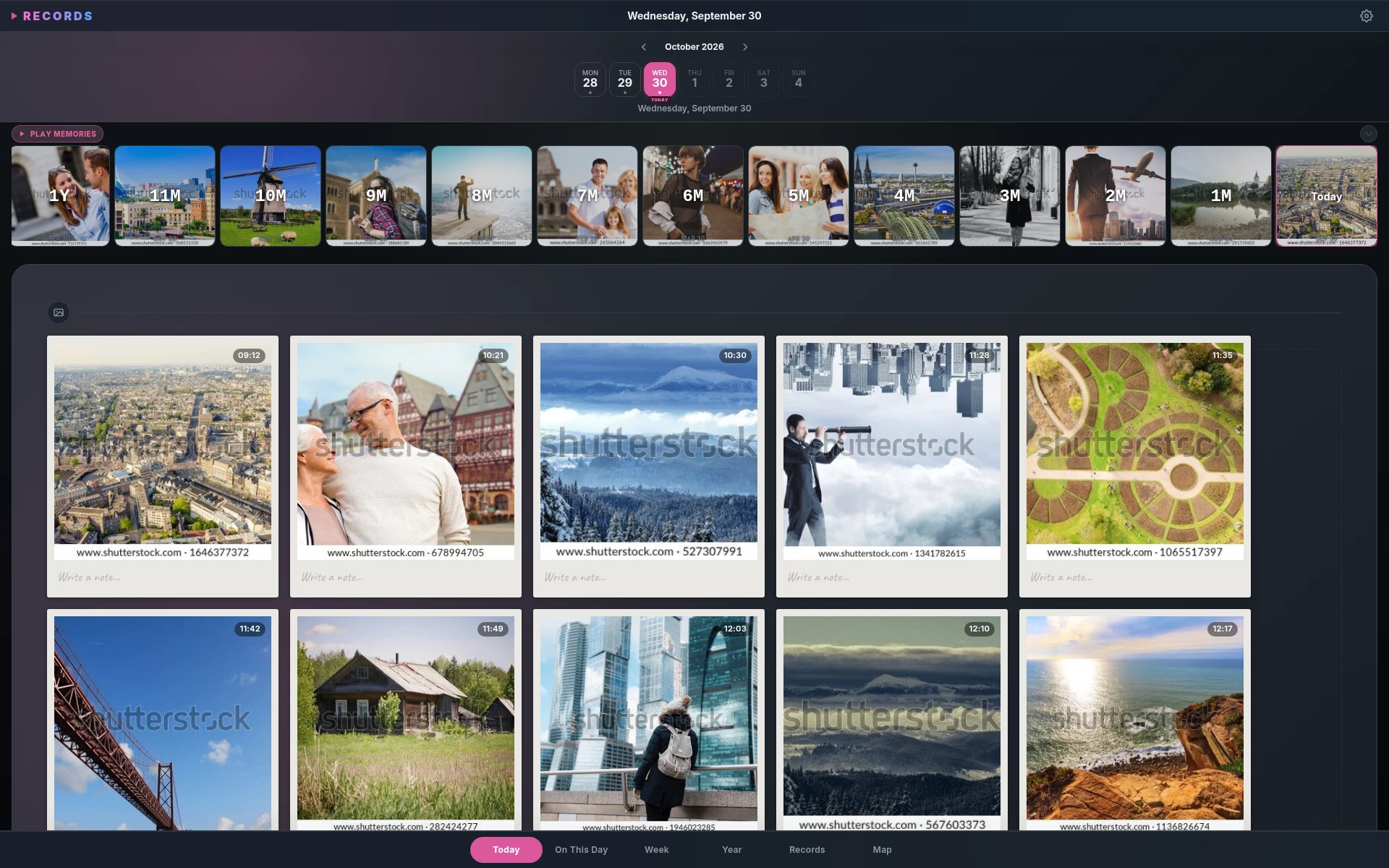
Photos appear as Instax-style cards, so the timeline feels more like a scrapbook than a file browser. A single picture can anchor the whole day.

Videos and audio sit in the same flow, giving ordinary days more texture than text alone.

A private map of memories

Geo-tagged entries become clustered pins on a map. Click a pin to revisit the day, or place entries that are missing GPS data.

Offline tile caching keeps familiar places available when you are not connected.

Zoom out when needed

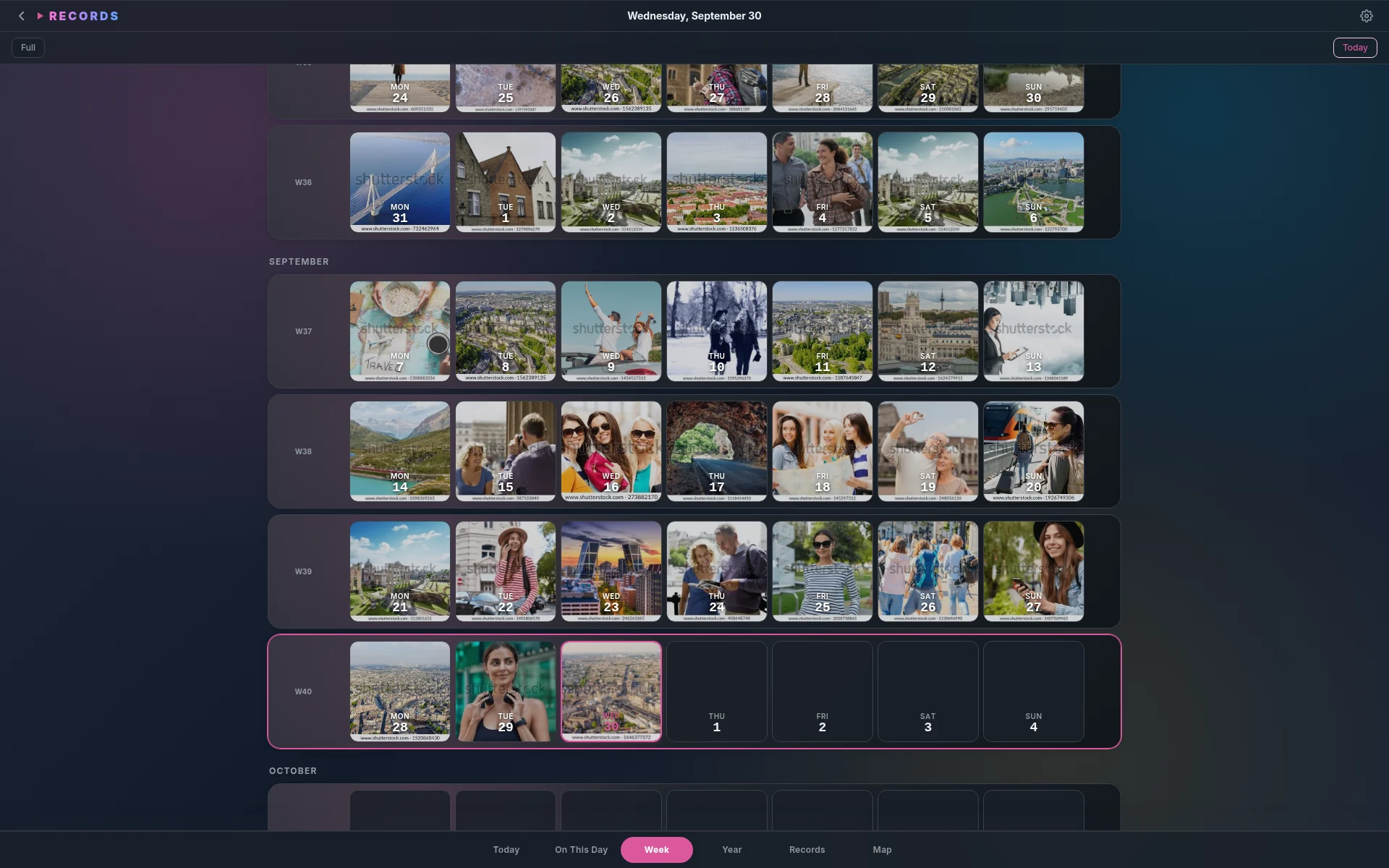
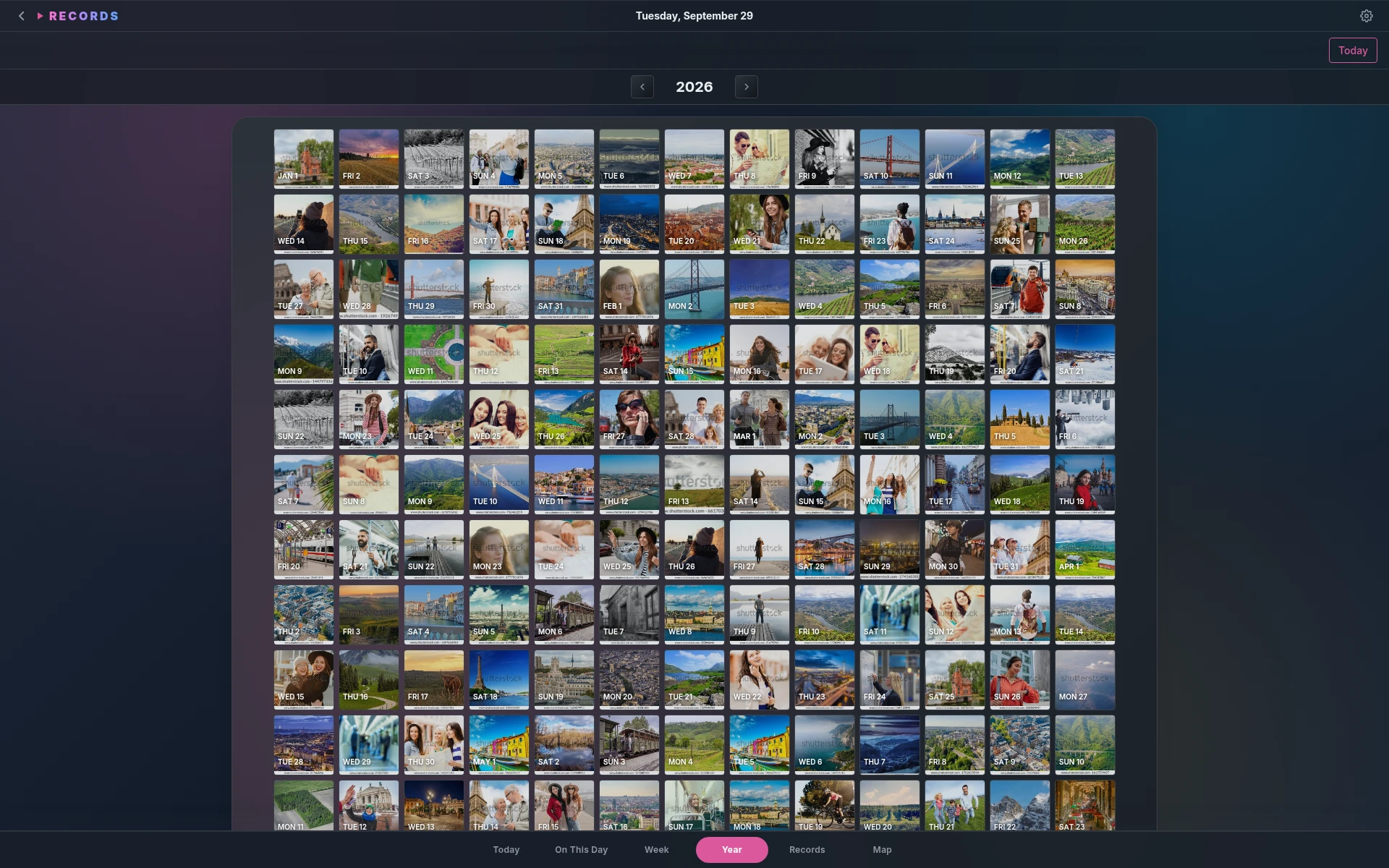
Week and year views show rhythms, gaps, trips, and dense periods without losing the ability to jump back into a specific day.

Search helps recover a note, transcript, caption, or memory when you only remember a fragment.

NSFW photos stay blurred

NSFW photos can remain in your archive without being fully visible in everyday browsing. Blurred mode keeps the memory in place while hiding the image.

Hold to peek when you want to reveal something, then let it fade back into the background when you are done.

Private sync pricing

Use Records locally for free. Add sync when you need it.

The desktop app stays local-first and works without an account. Paid sync keeps encrypted records and fair-use media available on your own devices without a web dashboard.

Free$0

offline desktop journaling with notes, places, and media on one device.

Monthly$3

per month for encrypted timeline sync across your own devices.

  • Desktop journaling works without an account.
  • Sync stores encrypted blobs only.
  • Large photo/video archive tiers can be added separately later.
  • Password reset starts cloud sync empty; local records stay local.

Quick answers

Private memory sync, without pretending to be iCloud.

Records keeps ordinary days together. It is clear about local-first storage, encrypted sync, and the limits of a low-cost media plan.

Is Records a photo backup service?

No. Records is a memory timeline first: notes, photos, audio, places, and calendar context arranged by day. Sync helps your own devices share that timeline.

Can I use it offline?

Yes. The desktop app is local-first and works without an account. Paid sync is optional when you want encrypted data on multiple devices.

What happens if I forget my password?

Cloud sync starts empty after reset because encrypted blobs cannot be decrypted without your secret. Local records stay local on your device.

Are huge media libraries included?

The $3 plan is intended for personal timeline sync with fair-use media. Large photo/video archive tiers can be added separately later.

Desktop Downloads

Install Records on your desktop.

Choose your platform first. Records will show the right installer options, or download directly when there is only one choice.

Windows

Get Records

Install the desktop app.

Start with a diary that gives your notes, photos, audio, places, and memories one quiet home. Download the binary for your operating system from this site.

Linux, Windows, and macOS binaries are available.